Exercise 1.3
In this exercise, you will use vectors, planes, and re-mapping to add a detailed pattern or "skin" to the architectural form you made in Exercise 2. The goal is to move from a simple massing model to a detailed structure. You will learn how to use local coordinate frames and surface parameters to place and deform geometry across your design.
You must produce two distinct variations of your form, exploring different methods of geometric distribution. You are free to choose any two of the following four transformation techniques for your variations:
1. Divide Surface/Orient Direction (Rigid)
Align components by matching source and target vectors. This is ideal for orienting discrete elements, like louvers or panels, to face a specific attractor point or to follow surface normals without deforming the geometry.
2. Surface Frame/Orient (Rigid)
Re-map geometry from a source plane to a target plane. Use this to place complex components onto local frames (such as Surface Frames or Perp Frames) to ensure they sit flush and correctly oriented relative to the host geometry.
3. Surface Morph (Deformable)
Stretch and bend a pattern directly onto the target surface using its UV parameterization. This method is effective for flowing a continuous pattern across a surface where the geometry must conform to the underlying curvature.
4. Box Morph (Deformable)
Deform geometry within a volumetric grid of "Twisted Boxes" created via the Surface Box component. This provides the highest level of control for three-dimensional assemblies that need to adapt to both the curvature and the varying thickness of a surface.
Submission
Your submission must include two screenshots (one for each) from the Rhino viewport that clearly illustrate the character of each variation.
You must also provide the corresponding Grasshopper definitions along with Rhino files OR with all geometry internalized to ensure portability (check how to internalize geometry here).
Example Submission
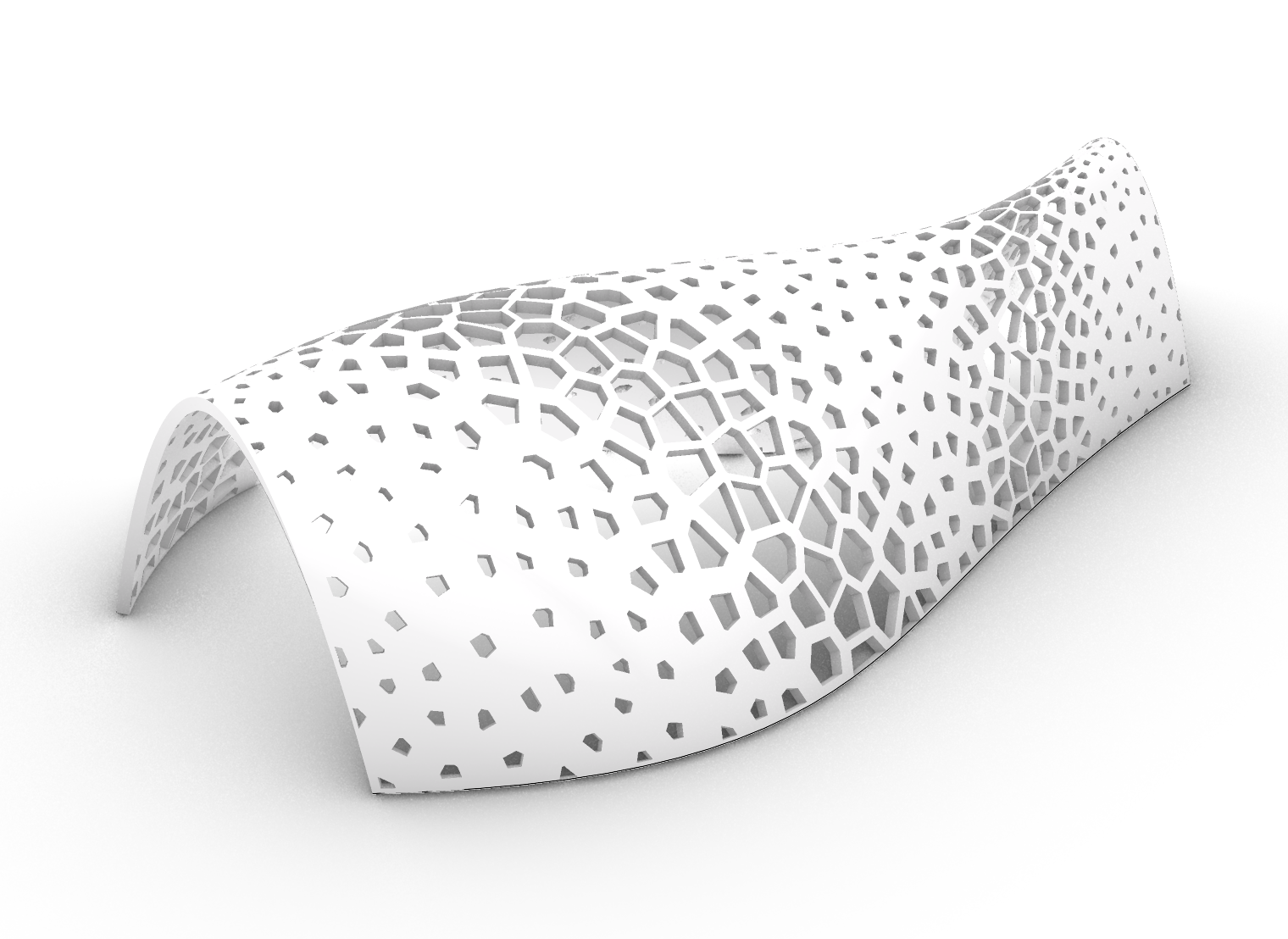
In this example, I used attractor curves to adjust the size of the Voronoi pattern in a 2D plan, then used "Surface Morph" to map it onto the arch form.
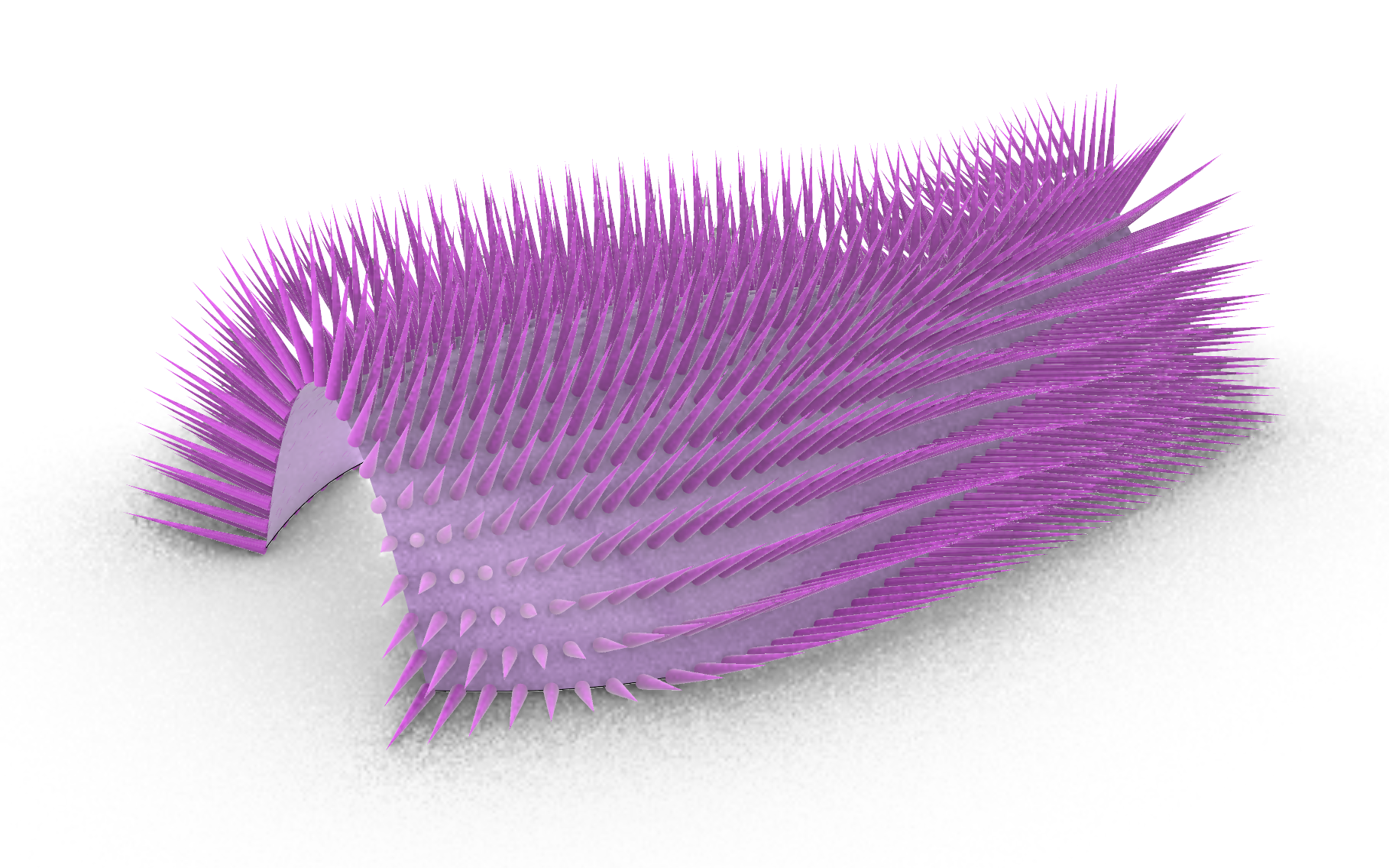
For this variation, I used the "Surface Frame" component to extract the planes, then drew cones based on them.